

Xojo Picker Color
Introduction to the Picker Color component for Xojo
The Picker Color component for Xojo Desktop development platform is a support tool for color management.
It's made available to a box containing the most used colors in shades divided. It can be used to design applications or any other environment where you need to use the colors.
Licenses
The differences between the licenses are:
- the Free Version can only be used in a debug environment, not compiled.
- the Single License can be used by 1 developer only, and has 1 year of free updates.
- the Multi License can be used by 10 developers, and has 3 years of free updates.
- the Enterprise License can be used by unlimited developers, and has 5 years of free updates.
Features
This component has been completely rewritten to have fast and stable loading.
After you insert the component inside the window you can manage the color properties.
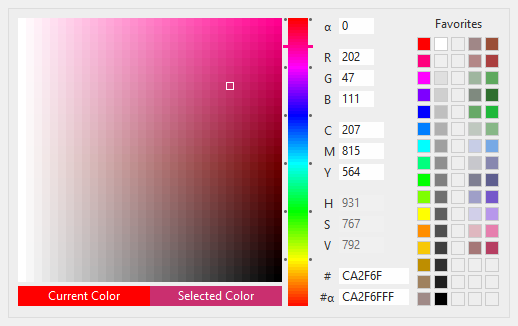
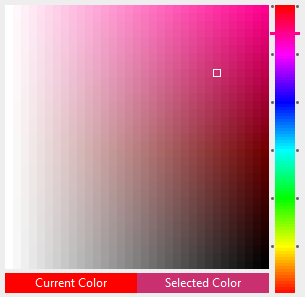
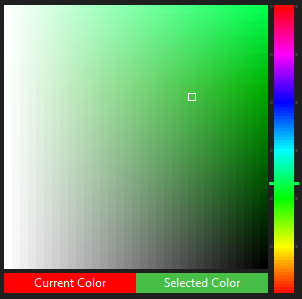
You will see a box with the most used colors divided in shades.
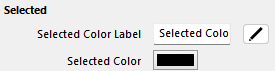
By clicking on a color you are enhanced the Selected Color properties. This property is public, available both in writing and in reading.
Use the property SelectedColor to retrieve the color value and chose to use it in your application.
The Color Driver allows you to change the color tone.
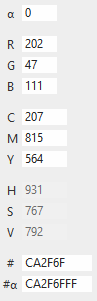
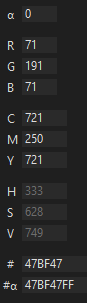
You can change the color values manually by entering them in the appropriate RGB fields.
You can change the color values manually by entering them in the appropriate CMY fields.
You can change the color values manually by entering them in the appropriate HTML fields.
You can see the HSV values.
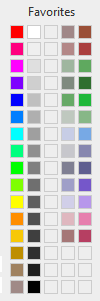
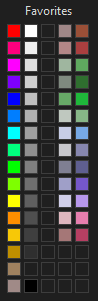
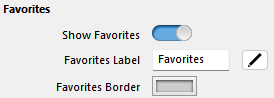
You have 80 locations to save your favorites.
By double-clicking or dragging and dropping you can save a favorite color.
There are commands to delete a favorite or to empty them completely.
You can save the component state with all the settings to a json string to save it to an ini file or wherever you want.
You can load the component state with all the settings from a json string.
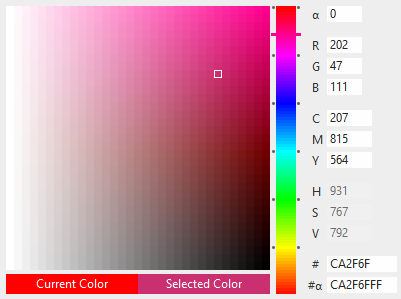
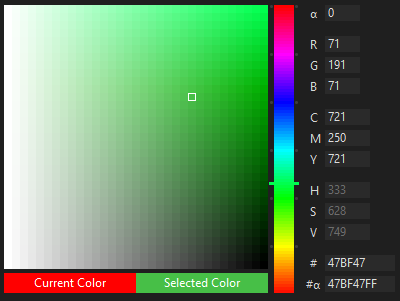
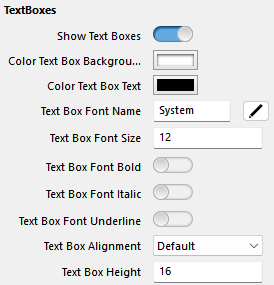
You can choose whether to display colors only, with value fields, and with favorites.
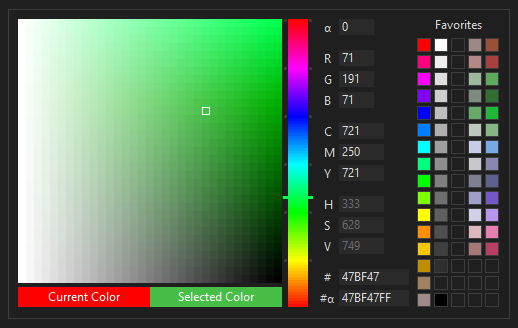
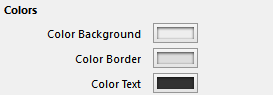
You can customize all the colors of the component.
You can also use the AutoDarkLightMode method to automatically color the component with the settings of your operating system.
And much more...
Screenshot
Xojo Project
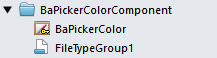
In your Xojo project you will have a folder containing the single component.
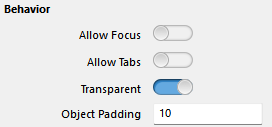
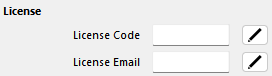
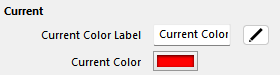
These are the editable properties in Design mode.

Compatibility
The component is compatibility with: Windows, macOS, Linux
Download
Is available a free version to test all Xojo Picker Color features.
Buy Xojo Picker Color
By purchasing this component you will also get a year of free updates.
Buy NowOnline Guide
Check out our online guide.