Xojo Picker Color Online Guide
Description
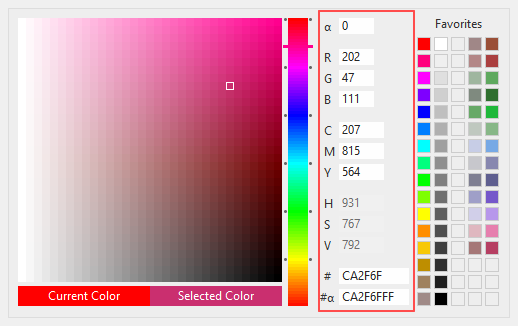
The Picker Color component for Xojo Desktop development platform is a component tool for color management.
The guide is divided into these sections:
Properties
Methods
Events
Property descriptions
ColorBackground As Color
Allows you to set the background color of the component.
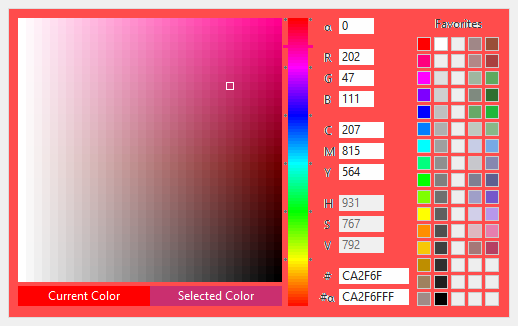
ColorBorder As Color
Allows you to set the border color of the component.
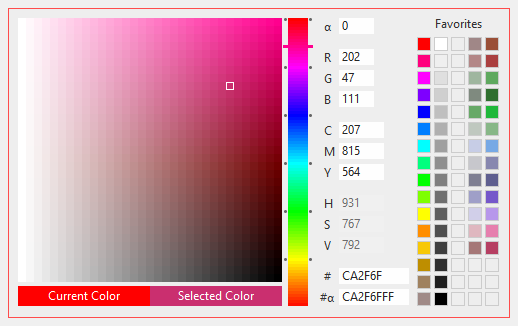
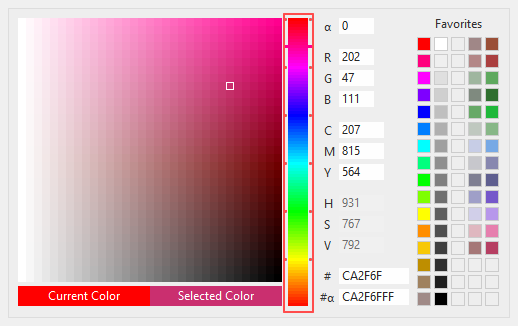
ColorStepDriver As Color
Allows you to set the step driver icon color.
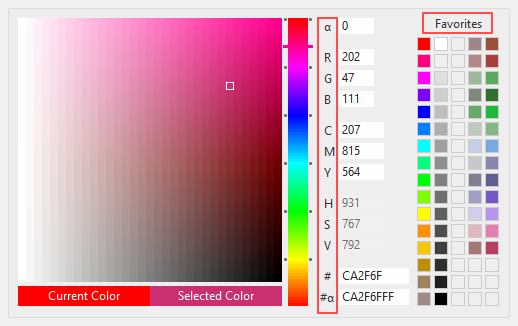
ColorText As Color
Allows you to set the text color of the component.
ColorTextBoxBackground As Color
Allows you to set the background color of the text boxes.
ColorTextBoxText As Color
Allows you to set the text color of the text boxes.
CurrentColor As Color
Allows you to set the current color.
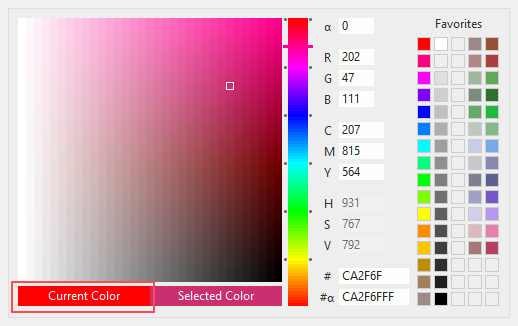
CurrentColorLabel As String
Allows you to set the label of current color.
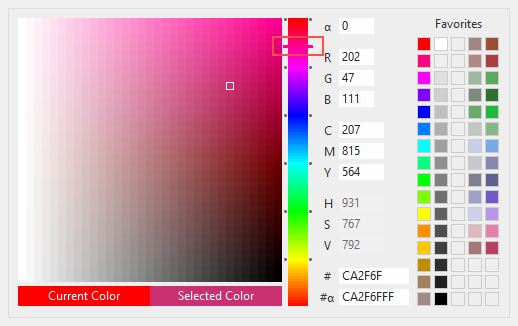
DriverColor As Color
Allows you to set the driver color.
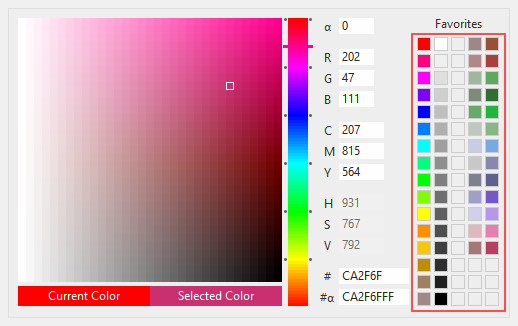
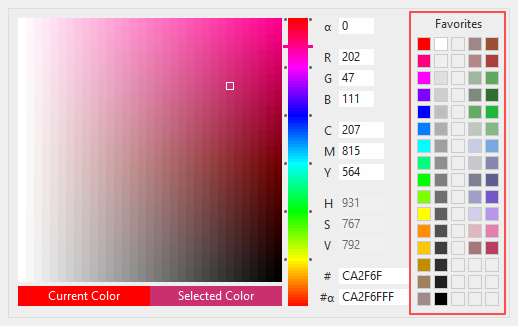
Favorites(79) As Color
Allows you to set the favorites color show in the component.
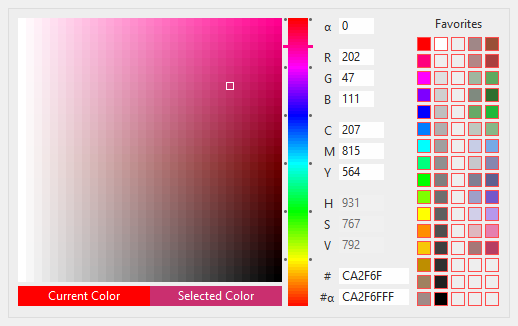
FavoritesBorder As Color
Allows you to set the border color of the favorites boxes.
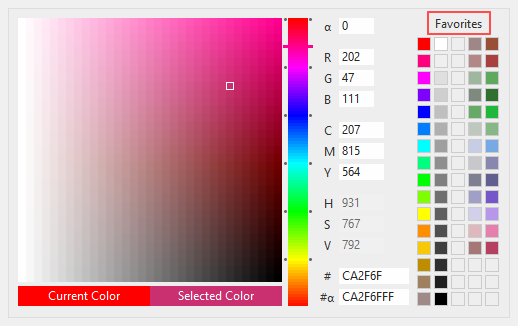
FavoritesLabel As String
Allows you to set the label of favorites colors.
LicenseCode As String
Allows you to set the license code.
You need to set the license code and license email to the Opening() event.
BaPickerColor1.LicenseEmail = "your-email@your-domain.com"
BaPickerColor1.LicenseCode = "your-license-code"
LicenseEmail As String
Allows you to set the license email.
You need to set the license code and license email to the Opening() event.
BaPickerColor1.LicenseEmail = "your-email@your-domain.com"
BaPickerColor1.LicenseCode = "your-license-code"
ObjectPadding As Integer
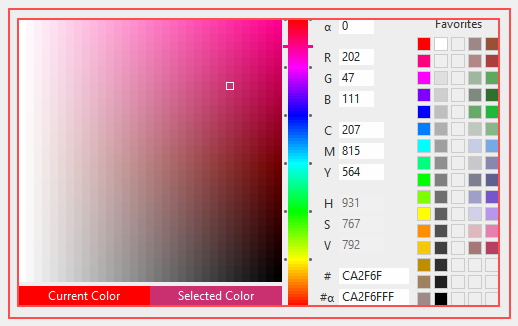
Allows you to set the internal padding of the component.
ReleaseDate As DateTime
Returns the release date of this component.
ReleaseVersion As String
Returns the release version of this component.
SelectedColor As Boolean
Allows you to set the selected color.
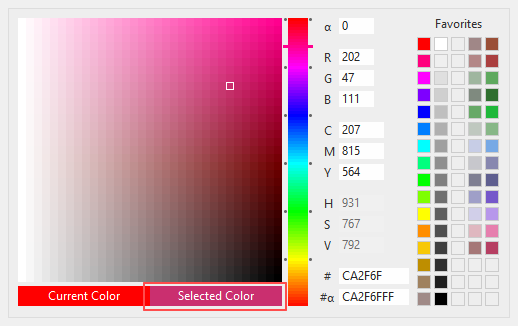
SelectedColorLabel As String
Allows you to set the label of selected color.
ShowFavorites As Boolean
Allows you to set if the favorites are visible.
ShowTextBoxes As Boolean
Allows you to set if the text boxes are visible.
TextBoxAlignment As TextAlignments
Allows you to set the alignment of the text boxes.
TextBoxFontBold As Boolean
Allows you to set the font bold of the text boxes.
TextBoxFontItalic As Boolean
Allows you to set the font italic of the text boxes.
TextBoxFontName As String
Allows you to set the font name of the text boxes.
TextBoxFontSize As Integer
Allows you to set the font size of the text boxes.
TextBoxFontUnderline As Boolean
Allows you to set the font underline of the text boxes.
TextBoxHeight As Integer
Allows you to set the height of the text boxes.
Method descriptions
AutoDarkLightMode (boolForceDark as Boolean = false, boolForceLight as Boolean = false)
To auto change all colors with O.S. theme color.
You could call this method in the Opening event of the Window.
'On "Opening" Event
BaPickerColor1.AutoDarkLightMode
DeleteAllFavorites ()
Use to delete all favofites.
BaPickerColor1.DeleteAllFavorites
DeleteFavorite (intIndex as integer)
Use to delete a specific favorite color.
BaPickerColor1.DeleteFavorite(1)
GetSettings ()
Use to get json string of component settings.
Var strJson as String = BaPickerColor1.GetSettings
SetSettings (strJson as String)
Use to set component settings from a json string.
Var strJson as String = "{...}"
BaPickerColor1.SetSettings(strJson)
Event descriptions
Closing ()
This event fires when you close the component.
ColorSelected (colSelected as Color)
This event fires when you select a color in the component.
The colSelected is the value of color used.
DarkLightModeChanged ()
This event fires after AutoDarkLightMode method is called, after changed all colors.
'Inside the event, that is after all the colors have been changed, you can choose whether to change anything else.
BaPickerColor1.ColorBackground = &cFF930000
BaPickerColor1.ColorBorder = &cFFD47900
DriverSelected (colDriver as Color)
This event fires when you change the driver color in the component.
FavoritesAdded (idxFavorite as integer, colFavorite as Color)
This event fires when you add a favorite color in the component.
The idxFavorite is the index of favorite used.
The colFavorite is the value of color used.
GenericError (strMethodName as String, intErrorNumber as Integer, strErrorMessage as String)
This event fires when an error is generated within the component.
The strMethodName is the name of method where error generated.
The intErrorNumber is the number of error generated.
The strErrorMessage is the message of error generated.
LicenseMessage (strMessage as String)
This event fires after the license is checked.
The strMessage parameter returns the message about your license.
MouseEnter ()
The mouse has entered the area of the control.
MouseExit ()
The mouse has left the area of the control.
MouseMove (x as Integer, y as Integer)
The mouse has moved within the control.
The x and y parameters represent the cursor position.
Opening ()
The control is about to be displayed. Use this event to initialize a control.
The Opening event is called after the Constructor.
You need to set the license code and license email to the Opening() event.
BaPickerColor1.LicenseEmail = "your-email@your-domain.com"
BaPickerColor1.LicenseCode = "your-license-code"