Xojo Zoom Image Online Guide
Description
The Zoom Image component for Xojo Desktop development platform is a support tool for view and manage images.
The guide is divided into these sections:
Properties
Methods
Events
Property descriptions
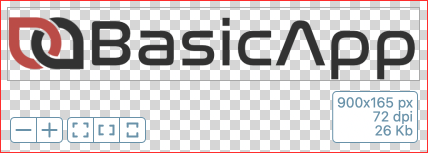
ColorComponentBorder As Color
Allows you to set the border color of the component.
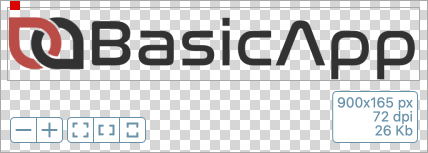
ColorGridBackground As Color
Allows you to set the background color of the grid.
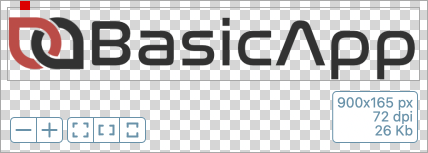
ColorGridBackgroundAlt As Color
Allows you to set the background color of the grid alternate.
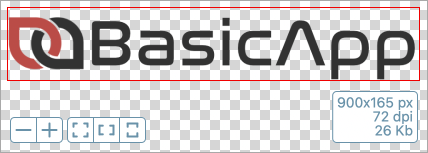
ColorImageBorder As Color
Allows you to set the border color of the image.
ColorToolsBarBackground As Color
Allows you to set the toolsbar background color.
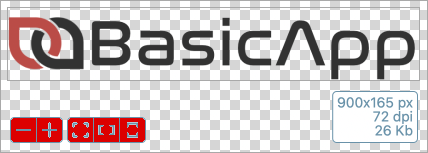
ColorToolsBarBackgroundOver As Color
Allows you to set the toolsbar background color when mouse is over.
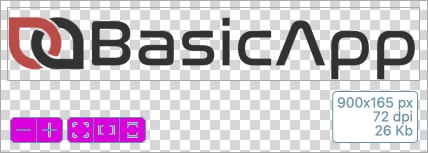
ColorToolsBarBorder As Color
Allows you to set the border color of then toolsbar.
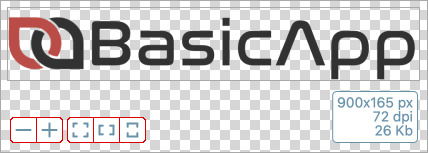
ColorToolsBarIcon As Color
Allows you to set the icon color of then toolsbar
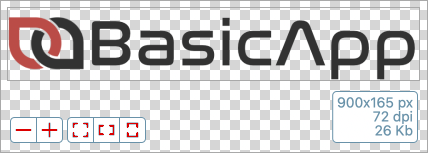
ComponentBorderSize As Integer
Allows you to set the border size of the component.
DragImageActive As Boolean
Allows you to set if the image can drag in the component.
DropImageActive As Boolean
Allows you to set if the drop image is active.
GridBoxSize As Integer
Allows you to set the box size of the grid.
Image As Picture
Allows you to set the image.
ImageBorderSize As Integer
Allows you to set the border size of the image.
ImagePosHeight As Integer
Height of the displayed image (not the real image).
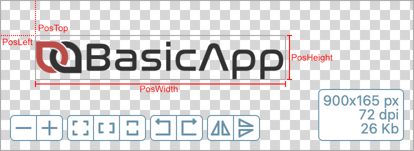
ImagePosLeft As Integer
Left position of the displayed image. Distance from the left border of the component.
ImagePosTop As Integer
Top position of the displayed image. Distance from the top border of the component..
ImagePosWidth As Integer
Width of the displayed image (not the real image).
InfoImageFontBold As Boolean
Allows you to set the font bold in info image box.
InfoImageFontItalic As Boolean
Allows you to set the font italic in info image box.
InfoImageFontName As String
Allows you to set the font name in info image box.
InfoImageFontSize As Integer
Allows you to set the font size in info image box.
InfoImageFontUnderline As Boolean
Allows you to set the font underline in info image box.
InfoImageVisible As Boolean
Allows you to set if the info image box is visible.
LicenseCode As String
Allows you to set the license code.
You need to set the license code and license email to the Opening() event.
BaZoomImage1.LicenseEmail = "your-email@your-domain.com"
BaZoomImage1.LicenseCode = "your-license-code"
LicenseEmail As String
Allows you to set the license email.
You need to set the license code and license email to the Opening() event.
BaZoomImage1.LicenseEmail = "your-email@your-domain.com"
BaZoomImage1.LicenseCode = "your-license-code"
ReleaseDate As DateTime
Returns the release date of this component.
ReleaseVersion As String
Returns the release version of this component.
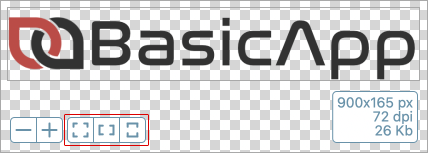
ToolsBarAutoZoomVisible As Boolean
Allows you to set if the AutoZoom toolsbar if visible.
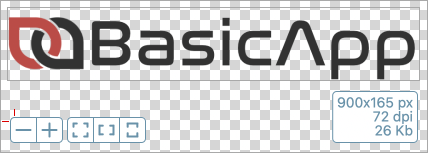
ToolsBarBorderArc As Integer
Allows you to set the arc of toolsbar.
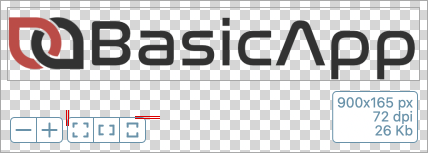
ToolsBarBorderSize As Integer
Allows you to set the border size of toolsbar.
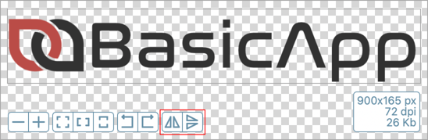
ToolsBarFlipVisible As Boolean
Allows you to set if the Flip toolsbar if visible.
ToolsBarIconPenSize As Integer
Allows you to set the icon pen size of toolsbar.
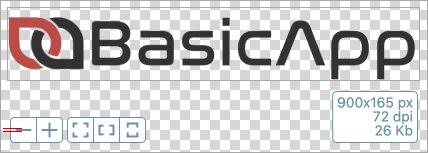
ToolsBarMargin As Integer
Allows you to set the margine between toolsbar and component border.
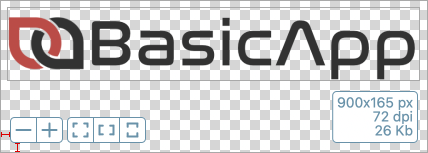
ToolsBarSize As Integer
Allows you to set the toolsbar size.
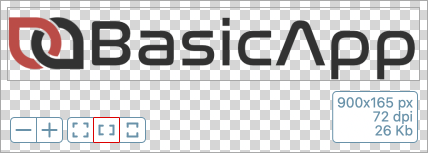
ToolsBarRotateVisible As Boolean
Allows you to set if the Rotate toolsbar if visible.
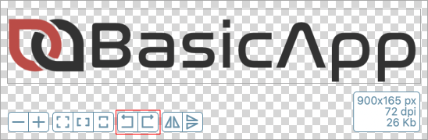
ToolsBarVisible As Boolean
Allows you to set if the toolsbar if visible.
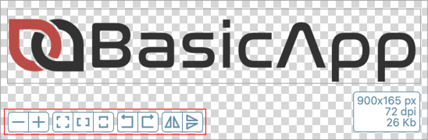
ToolsBarZoomVisible As Boolean
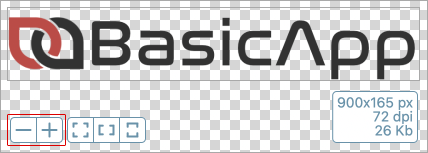
Allows you to set if the Zoom toolsbar if visible.
Method descriptions
AutoDarkLightMode ()
To auto change all colors with O.S. theme color.
You could call this method in the Opening event of the Window.
'On "Opening" Event
BaZoomImage1.AutoDarkLightMode
ClearAll ()
Use to clear the image.
BaZoomImage1.ClearAll
FlipHorizontal ()
Use to flip horizontal image in the component.
BaZoomImage1.FlipHorizontal
FlipVertical ()
Use to flip vertical image in the component.
BaZoomImage1.FlipVertical
RotateLeft ()
Use to rotate image to left in the component.
BaZoomImage1.RotateLeft
RotateRight ()
Use to rotate image to right in the component.
BaZoomImage1.RotateRight
ZoomAll ()
Use to auto zoom image in the component.
BaZoomImage1.ZoomAll
ZoomIn ()
Use to zoom image in the component.
BaZoomImage1.ZoomIn
ZoomMaxHeight ()
Use to auto zoom image in the component in height side.
BaZoomImage1.ZoomMaxHeight
ZoomMaxWidth ()
Use to auto zoom image in the component in width side.
BaZoomImage1.ZoomMaxWidth
ZoomOut ()
Use to zoom out image in the component.
BaZoomImage1.ZoomOut
Event descriptions
Click (x As Integer, y As Integer)
This event fires when you click the mouse in component.
The X position of the mouse cursor.
The Y position of the mouse cursor.
DarkLightModeChanged ()
This event fires after AutoDarkLightMode method is called, after changed all colors.
'Inside the event, that is after all the colors have been changed, you can choose whether to change anything else.
BaZoomImage1.ColorGridBackground = &cFF930000
BaZoomImage1.ColorGridBackgroundAlt = &cFFD47900
FlipHorizontalExecuted ()
This event fires after FlipHorizontal method called.
FlipVerticalExecuted ()
This event fires after FlipVertical method called.
ImageDragging (x as Integer, y as Integer)
This event fires when image drag on component.
The X position of the mouse cursor.
The Y position of the mouse cursor.
ImageDropped (obj As DragItem, action As DragItem.Types)
This event fires after a image file drop on component.
The obj parameter returns the DragItem.
The action parameter returns the DragItem.Types.
LicenseMessage (strMessage as String)
This event fires after the license is checked.
The strMessage parameter returns the message about your license.
MouseDown (x as Integer, y as Integer)
This event fires while the mouse button is being held down.
The x and y parameters represent the cursor position.
MouseEnter ()
The mouse has entered the area of the control.
MouseExit ()
The mouse has left the area of the control.
MouseMove (x as Integer, y as Integer)
The mouse has moved within the control.
The x and y parameters represent the cursor position.
MouseUp (x as Integer, y as Integer)
The mouse button was released.
The x and y parameters represent the cursor position.
Opening ()
The control is about to be displayed. Use this event to initialize a control.
The Opening event is called after the Constructor.
You need to set the license code and license email to the Opening() event.
BaZoomImage1.LicenseEmail = "your-email@your-domain.com"
BaZoomImage1.LicenseCode = "your-license-code"
RotateLeftExecuted ()
This event fires after RotateLeft method called.
RotateRightExecuted ()
This event fires after RotateRight method called.
ZoomAllExecuted ()
This event fires after ZoomAll method is called.
ZoomHeightExecuted ()
This event fires after ZoomMaxHeight method is called.
ZoomInExecuted ()
This event fires after ZoomIn method is called.
ZoomOutExecuted ()
This event fires after ZoomOut method is called.
ZoomWidthExecuted ()
This event fires after ZoomMaxWidth method is called.